JustGiving is one of the most popular fundraising platforms in the UK with over 22 million users using it to support charities and personal causes.[1]
Setting up a page is easy, but to give you a hand we have broken to process down into five easy steps!
Want to use a different fundraising platform? Check out our blog on Choosing the Best Fundraising Platform for your Fundraiser.
Step one
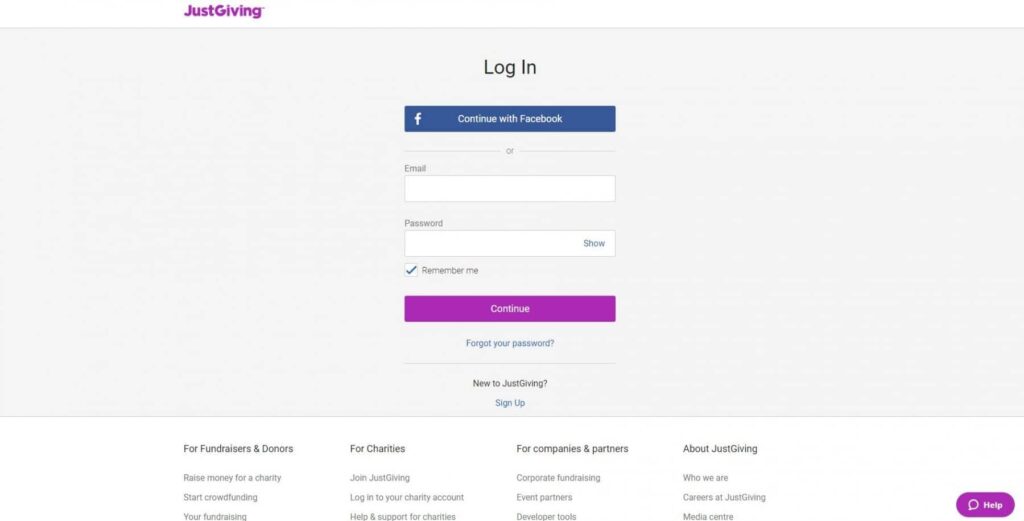
Visit www.justgiving.com and click on Start Fundraising. You will be taken to a screen where you are given the option to log in with Facebook or Email. Choose the option that suits you best.
Step two
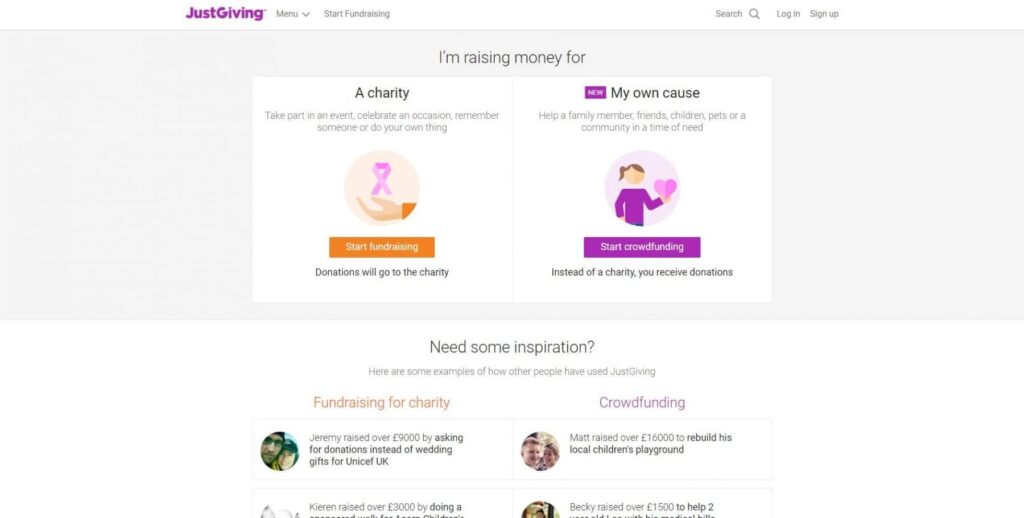
Once you have logged in, you will be given two options. If you are fundraising for charity then click the orange “Start Fundraising” button.
Step three
Once you have clicked start fundraising you will be given the option to choose the charity you are fundraising for. In the search box type the name of the charity you are fundraising for and click Search e.g Kidscan Children’s Cancer Research
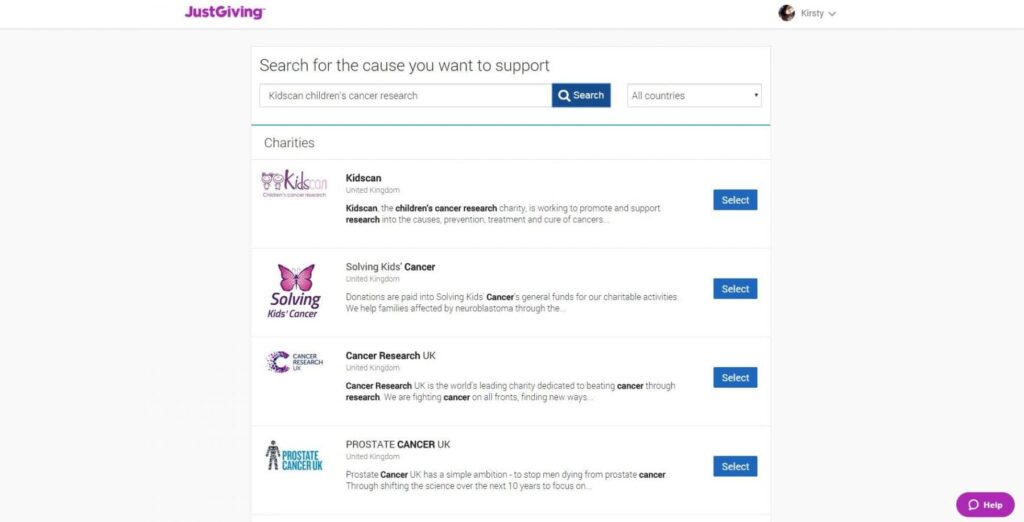
Your chosen charity will appear in the list below. Select your chosen charity by clicking the Select button next to it.
Step four
Once you have chosen your charity, choose the type of fundraiser you will be doing. You will then be given the option to set up your fundraising page.
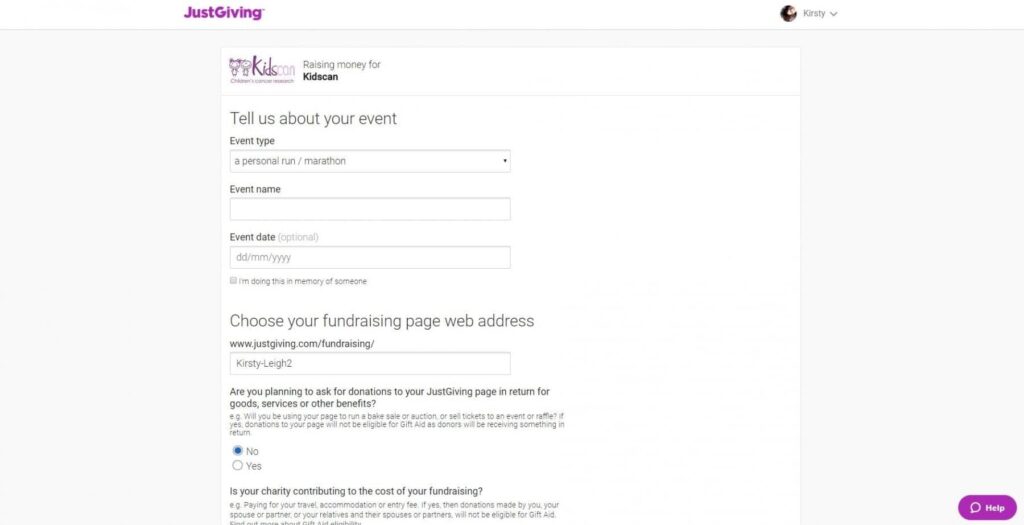
On the screen input the name of your event, the date of the event and choose a fundraising page web address. Try to keep the name of your event short and snappy. The easier your fundraiser is to remember – the easier it is for people to find!
Fill in the remaining details and click Create Your Page
Congratulations
Your new page is set up and you are ready to start fundraising.
Other News



Subscribe to our weekly newsletter